Currently, iPlayTV is the best app you can use to watch LiveStreams on your Apple Mobile Device...
Here are the features you get by default with this app:
- Ability to configure to my Full Channel lineup
- TV Guide/EPG is supported.
- Channel Search (very helpful)
- NOT A GUIDE SEARCH - dont get that confused
- Easy to use/read
Some extra/cool features can be unlocked by purchasing/subscribing to a "Pro" version of the app.. This is option and helps support the developer's efforts (has nothing to do with ME)
Some of the Pro features that you can unlock are:
- Customized Player Settings
- PIP (picture in picture) Support
- Aspect Ratio Changes (to fill screen even more)
- Save channels as "Favorites
SETUP GUIDE
Download the app from your App Store
(here's the direct link)

Once installed - open the app, and tap "Add Stream Source"

Where it says "Xtream Server" tap Connect to Server
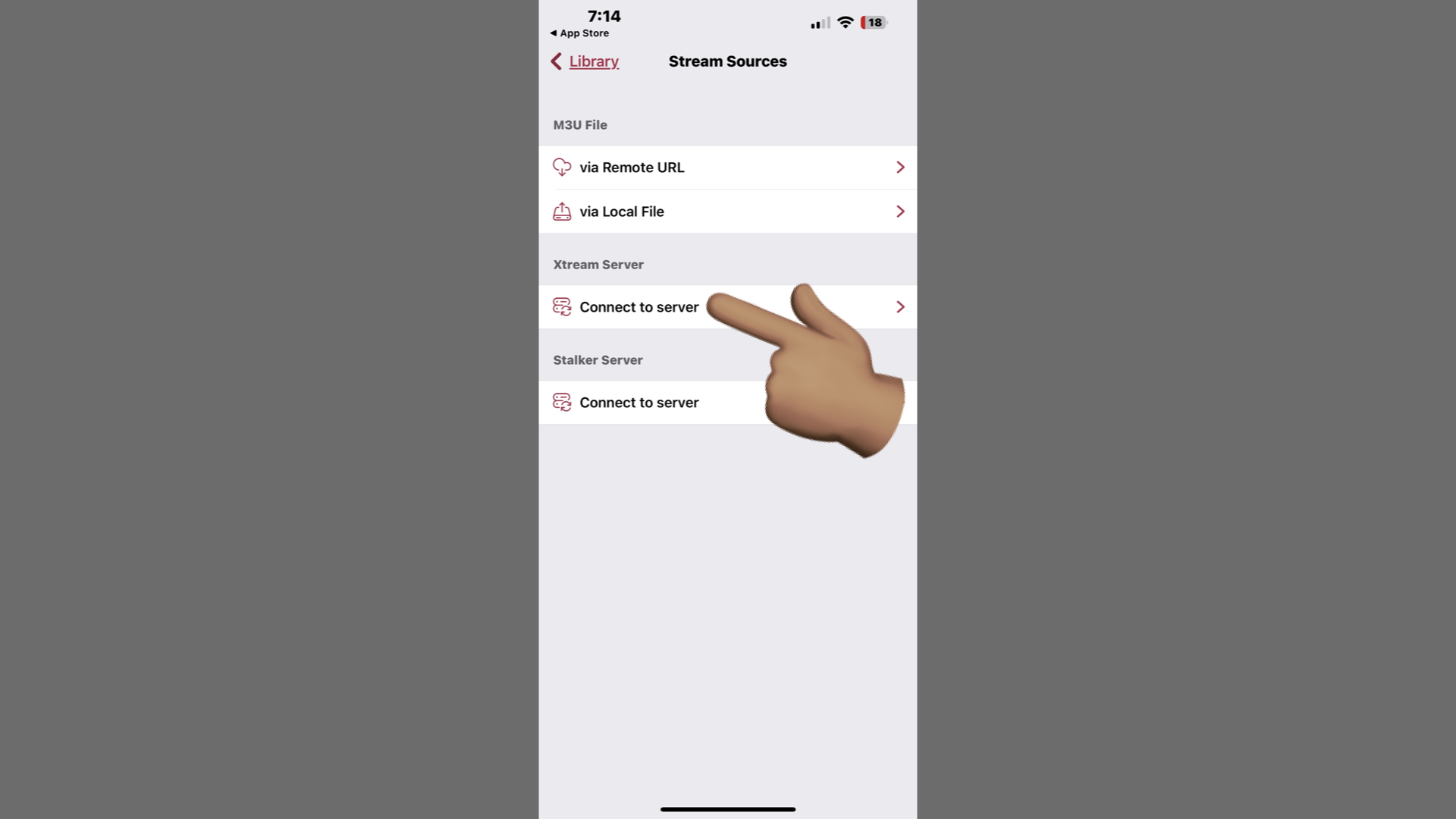
Enter the following information:
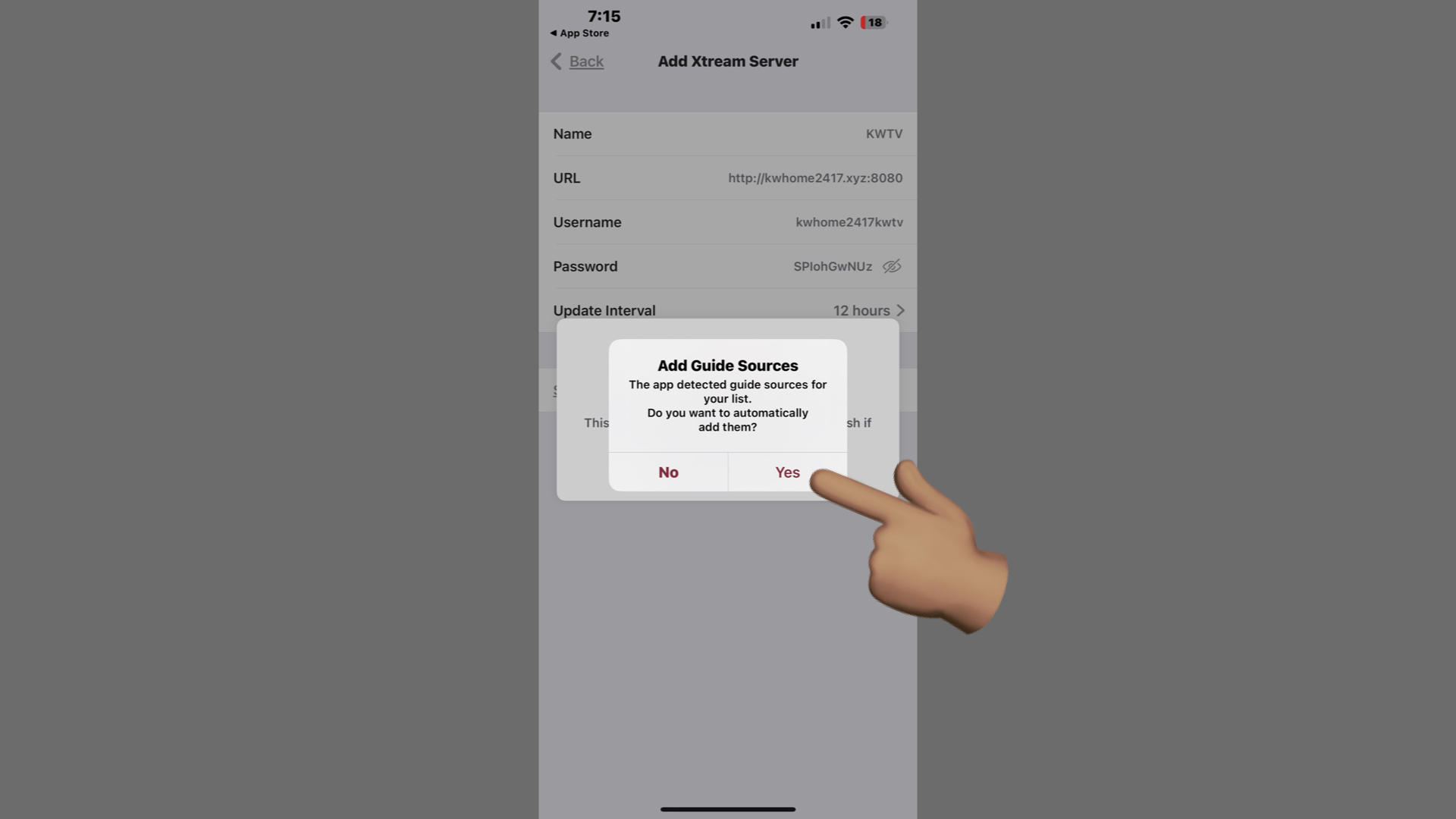
- Name : KWTV
- Update Interval: change it to 12 hrs, so that it updates as often as possible
-----You'll be able to update manually whenever you want, from settings


When asked about Adding Guide Sources, hit YES
Now go back to your Library
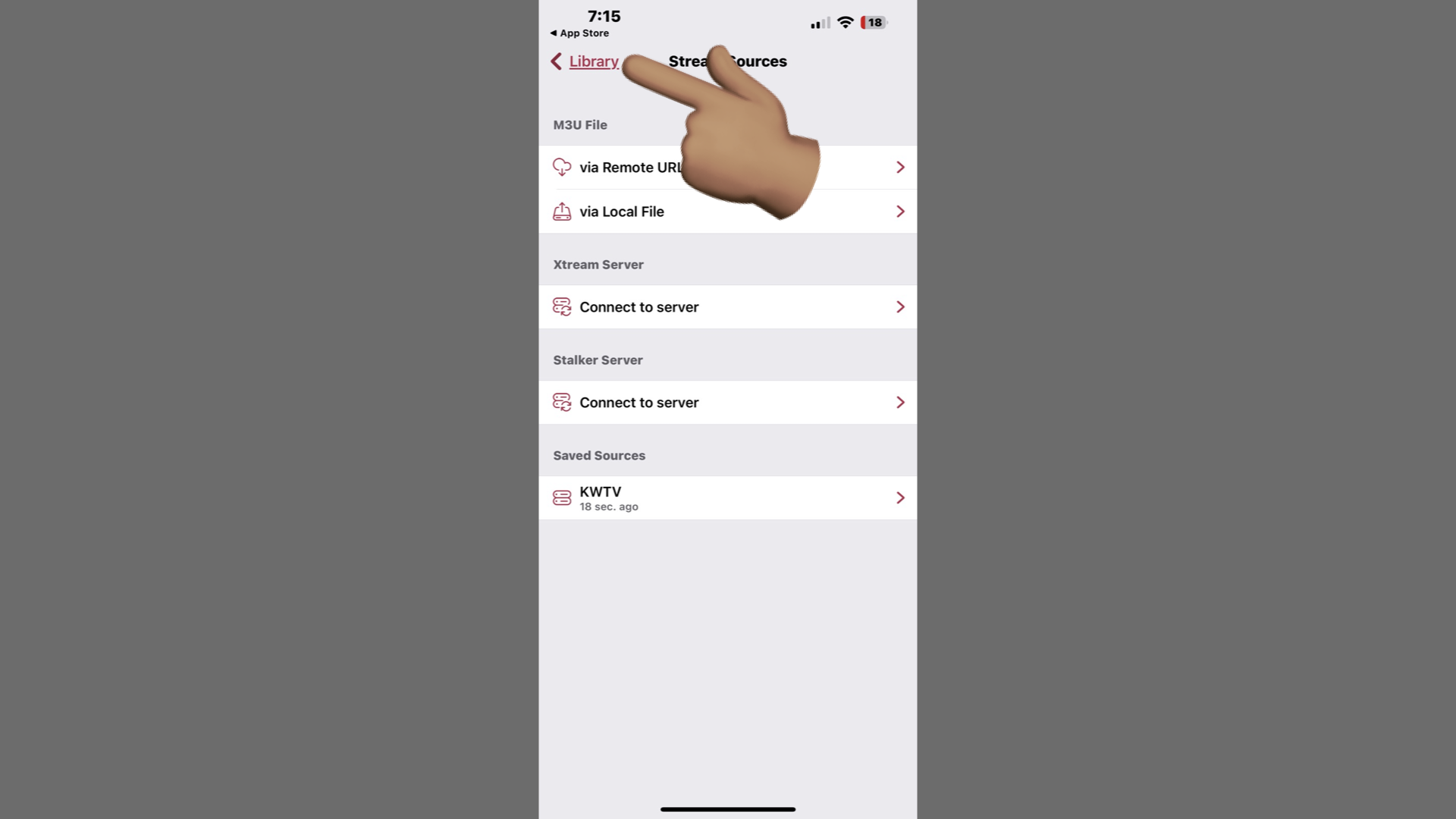
You'll see the Channels option.. Tap that

Tap on a Category to expand it (a.k.a. show the channels)
If you tap an expanded category header, it will collapse it (to make it easier to scroll up/down)
There might be a short learning curve, but y'all should be smart enough to figure that part out

Select the channel you want to watch
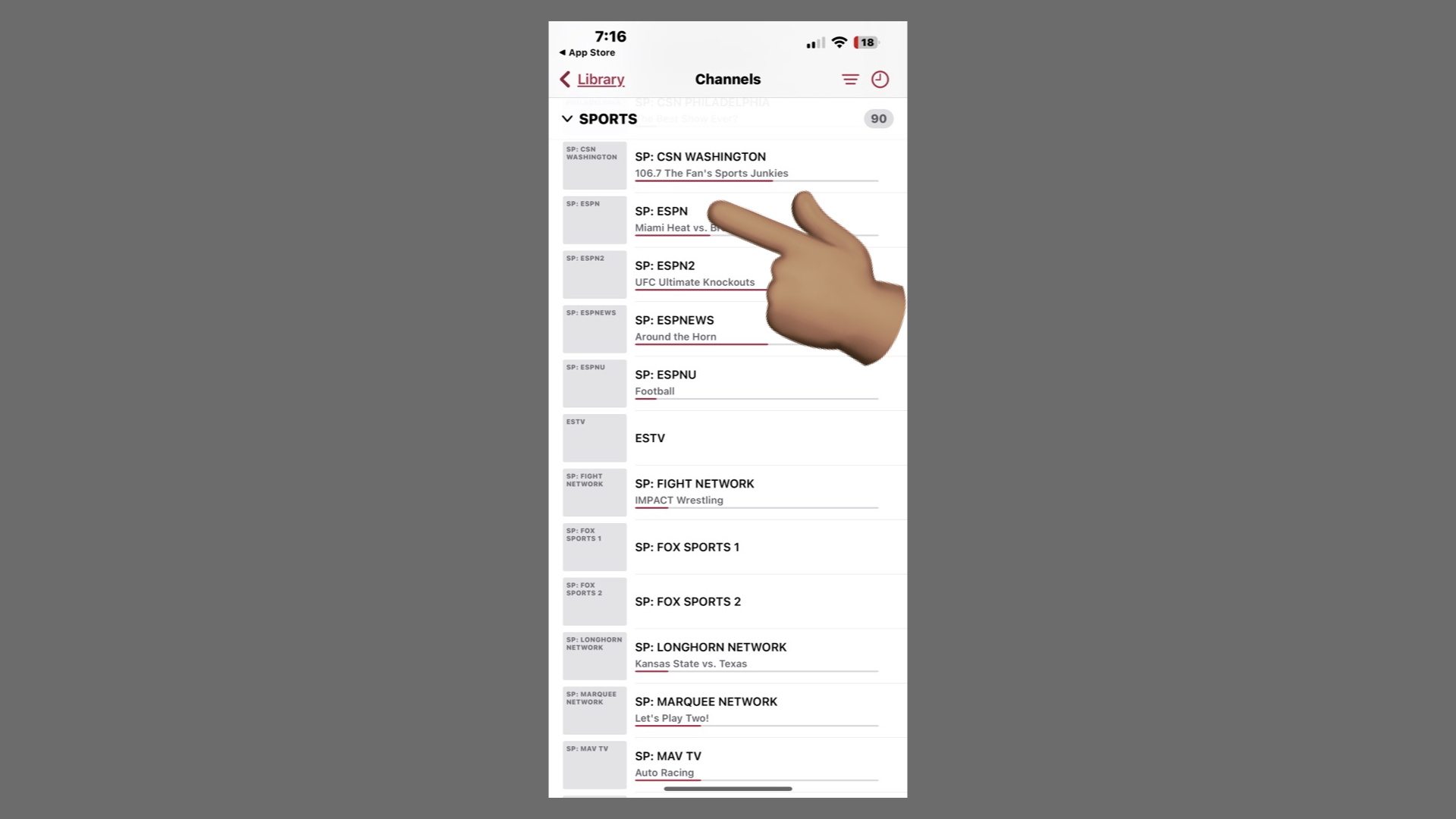
Enjoy
