
Amazon is Blocking
Fire TV Sideloaded Apps
Amazon has started restricting certain sideloaded apps on Fire TV devices. To avoid interruptions, we recommend switching to a compatible Android TV or Google TV device.
Important Heads Up
If you are using a Fire TV device, certain sideloaded apps may be blocked from running. A VPN may help with internet routing, but it does not stop Amazon from identifying and blocking specific apps on the device itself.
Background
In November, Amazon began restricting certain sideloaded apps on Fire TV devices. These apps had been popular for streaming movies, TV shows, and live sports without official subscriptions.
This is not the first time Amazon has taken action. Earlier removals targeted apps that were secretly data-mining and exposing users to malware risks. The latest crackdown is broader and focuses on non-mainstream streaming tools.
How Enforcement Works
Amazon has partnered with the Alliance for Creativity and Entertainment, also known as ACE, to identify banned apps. The process may include:
- Users receiving a notification asking them to uninstall the app.
- If ignored, Amazon blocking the app from opening or running on Fire TV.
Why Amazon Is Doing This
The crackdown serves two goals: protecting users from malware and fraud, and supporting creators and broadcasters whose revenue is harmed by piracy.
VPNs and Workarounds
Some users ask if VPNs can bypass these restrictions. While VPNs may hide or reroute traffic, Amazon’s system focuses on app identification. That means a VPN alone will not prevent app blocks if Amazon chooses to block the app directly on Fire TV.
Our Suggestion
To avoid service disruptions, we recommend purchasing a new Android TV or Google TV streaming unit that is fully compatible with our platforms.
Recommended Devices
Choose a device below based on your budget and performance needs.
Disclosure: Some of the links below are affiliate links, which means I may receive a small commission if you make a purchase — at no extra cost to you. I only recommend products I trust and use.
💸 Budget Options
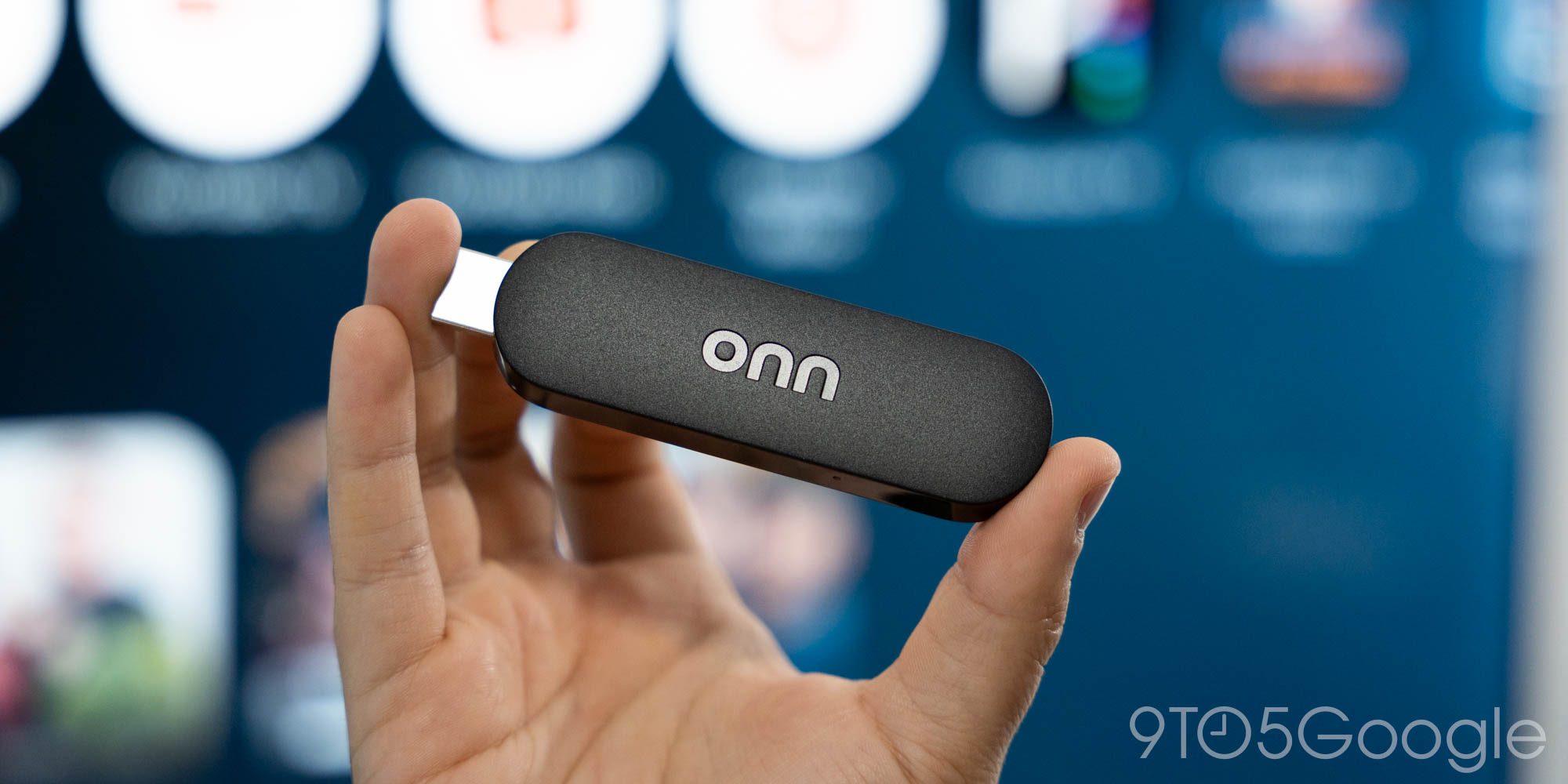
ONN 4K Stick
A simple budget-friendly option if you just need something cheap that works.
- Good for basic streaming
- Small and easy to move
- Great starter device
⚖️ Mid-Tier Options
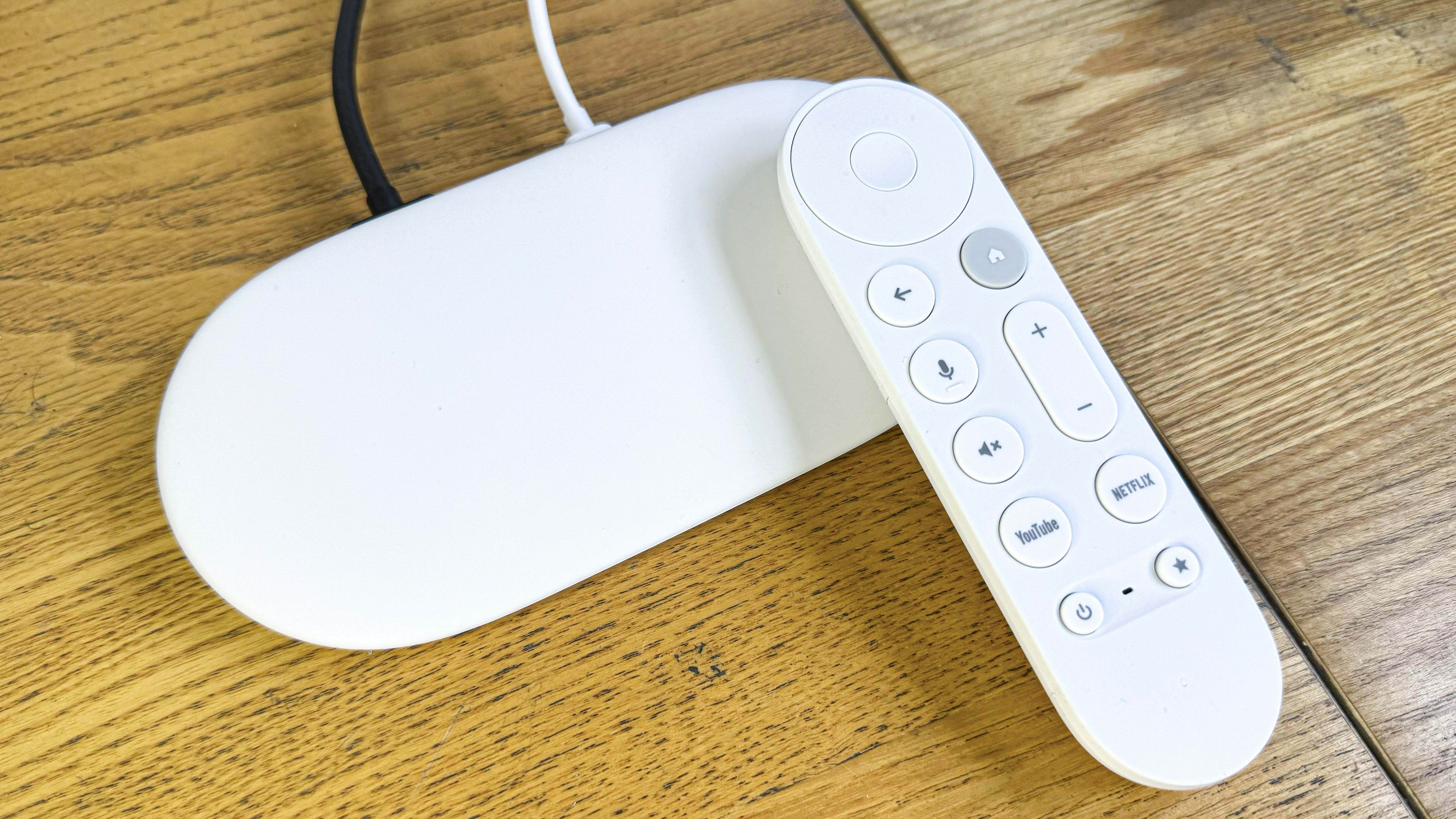
Google TV Streamer
A smoother Google TV experience with stronger performance and a cleaner interface.
- Great everyday streaming device
- Google TV interface
- Good balance of speed and simplicity

ONN Plus Box
A strong mid-tier pick for users who want smoother streaming without jumping to premium pricing.
- Faster than entry-level options
- Better for regular use
- Great value for the price
🚀 Premium Options
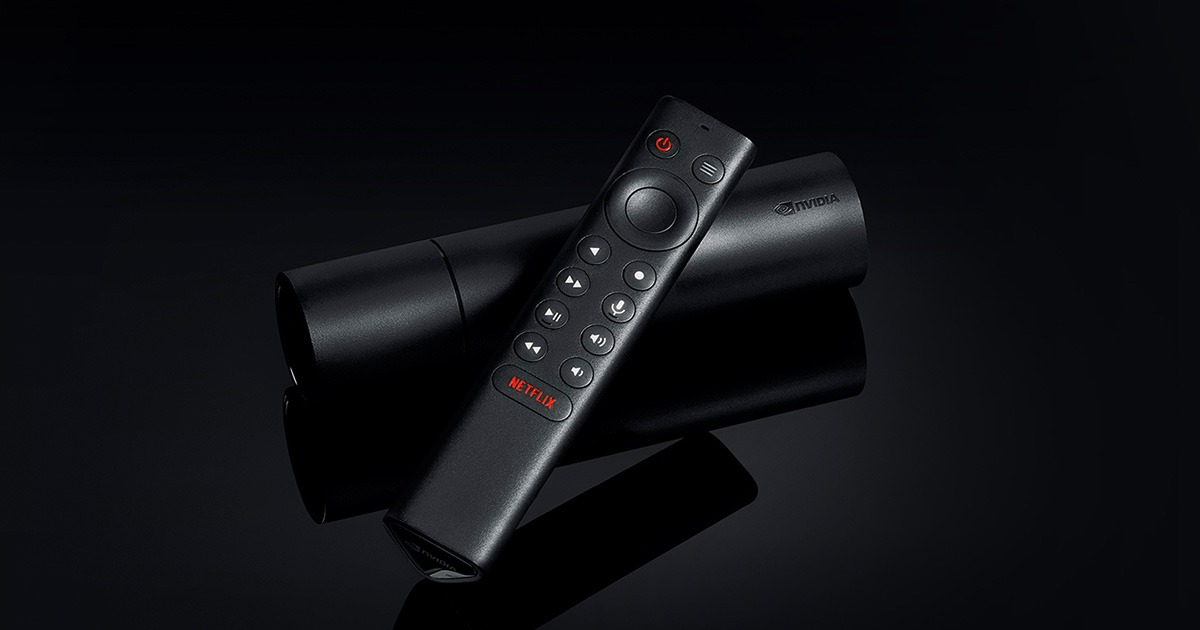
NVIDIA Shield TV
One of the best premium Android TV options for users who want top-tier performance.
- Premium performance
- Excellent for heavy streaming
- Great for power users
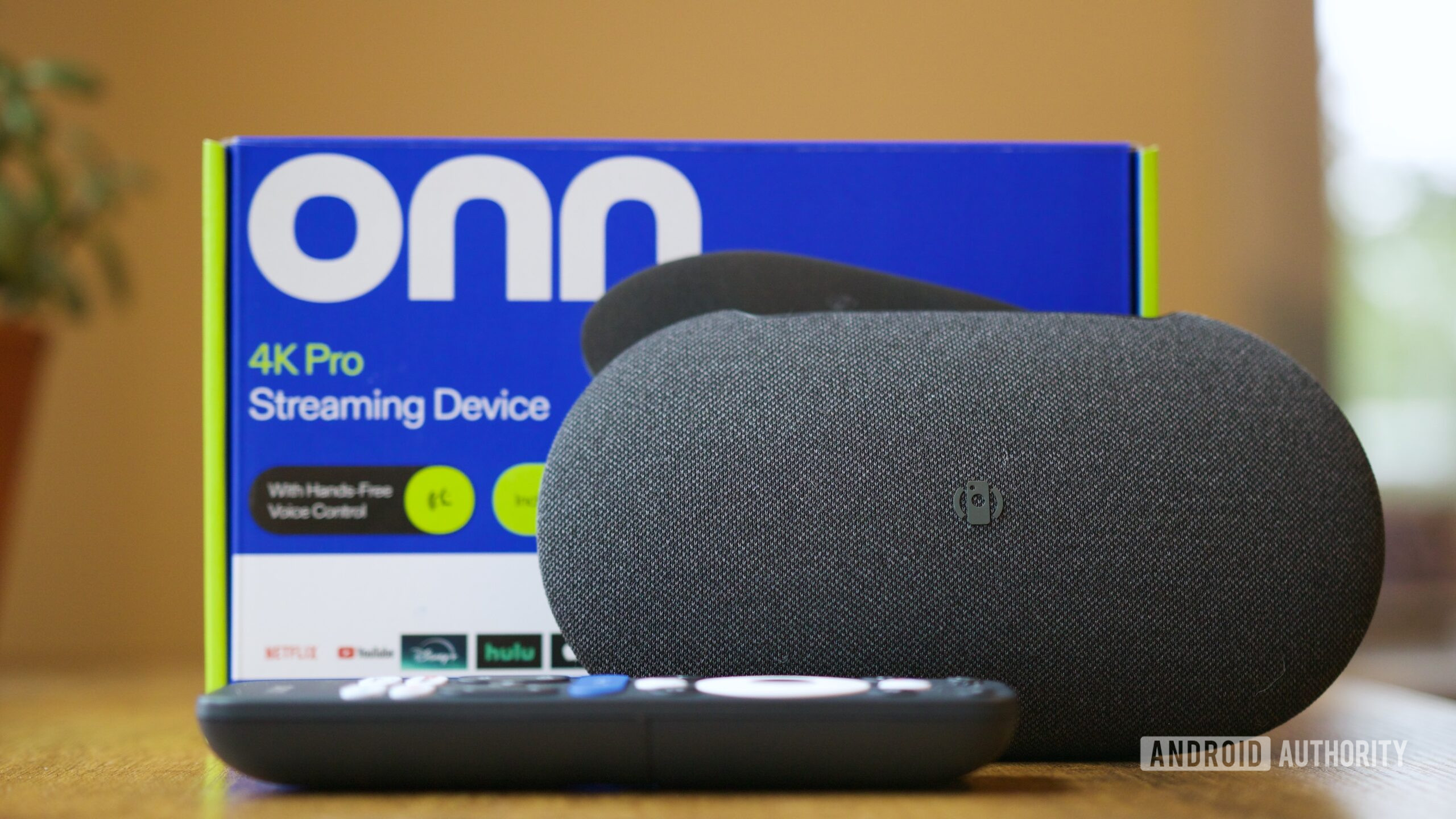
ONN Pro Box
A powerful Google TV box with strong specs, better storage, and a smoother experience.
- Best ONN performance option
- Great for heavy streaming
- Good premium value