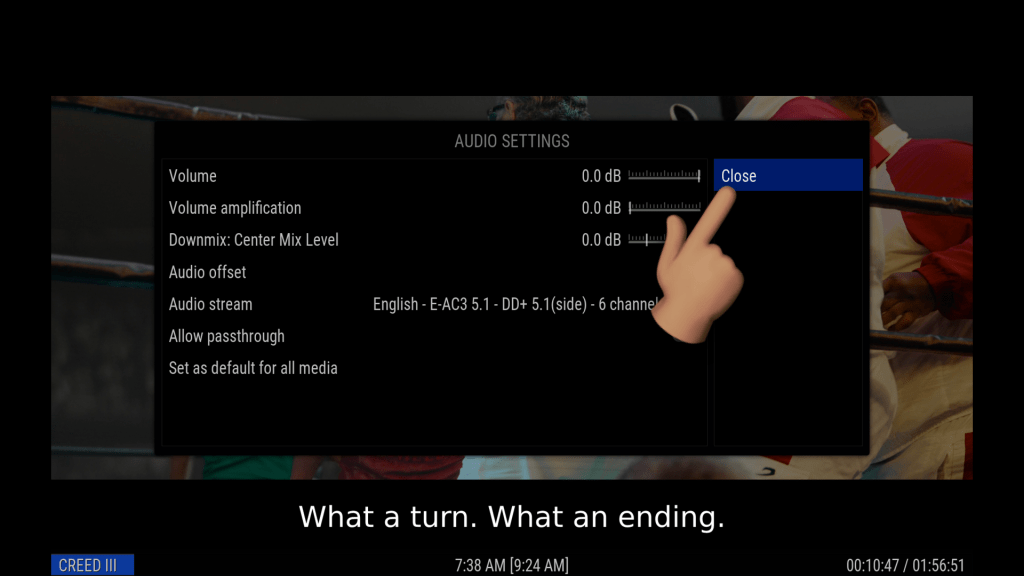
Let's check your Audio settings in Kodi to make sure they are correct.
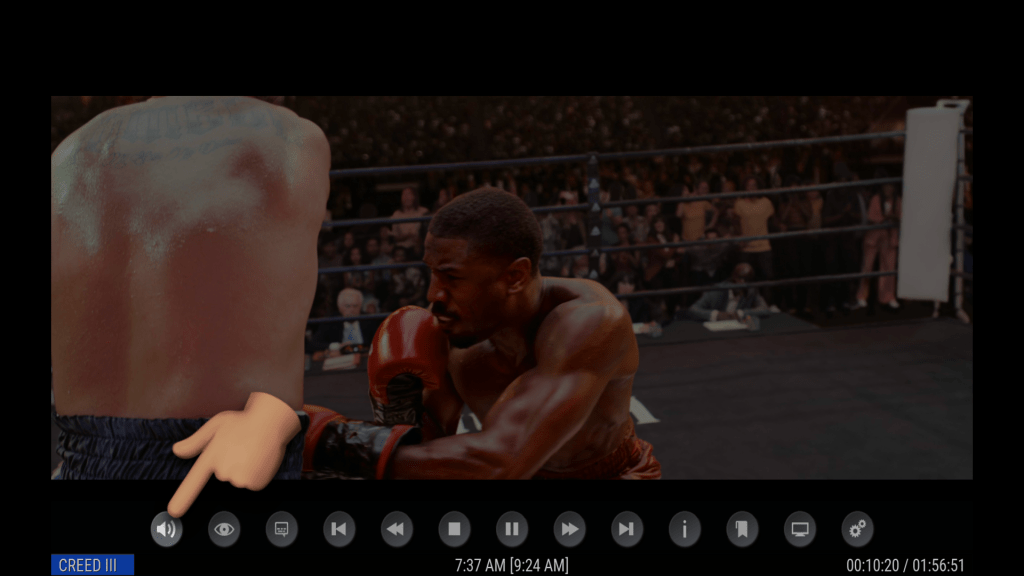
1st, Load up your Movie/Episode/Video, then while it's playing - click the select key on your remote to show the OSD (On Screen Display) controls.
Once that is up, select the AUDIO Settings icon:
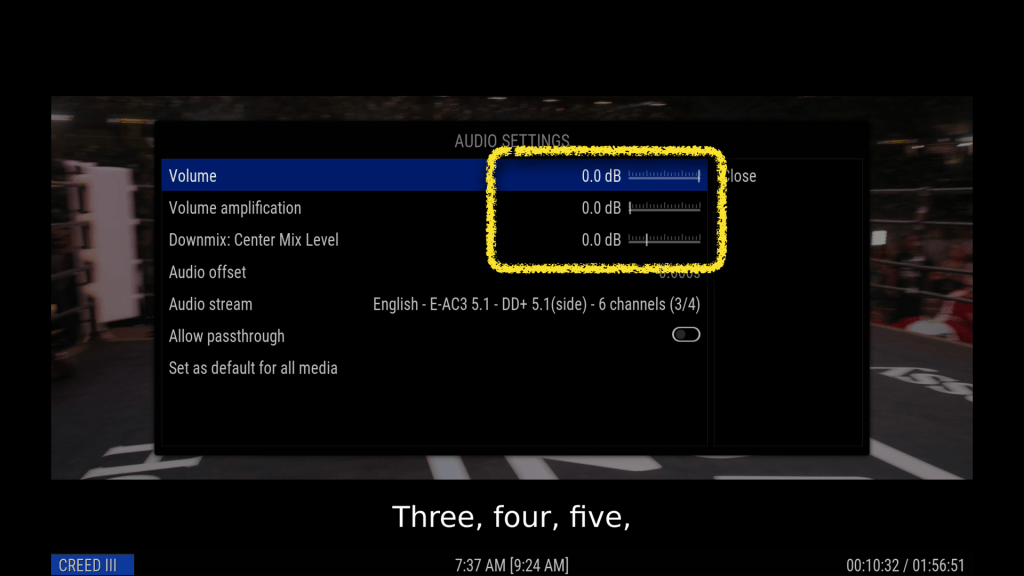
Check to ensure all the Volume indicators are set to 0.0db (that should be the default)
IF YOU WANT, you can play around with the VOLUME AMPLIFICATION to boost the volume to your liking.
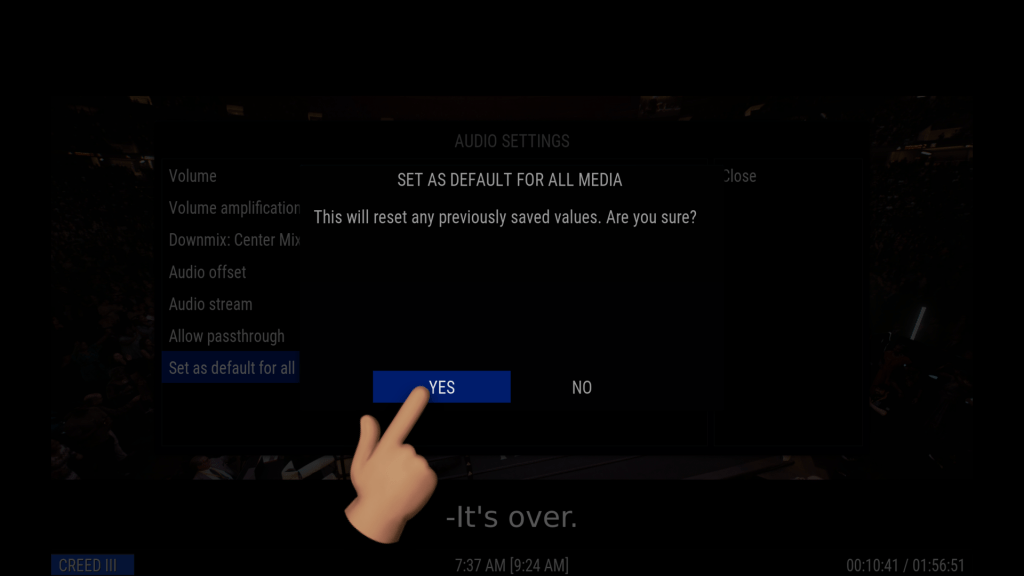
Once you have the volume configured to your satisfaction - click the "Set as default for all media" option, then YES to save

Now you can close the window and resume your video ☺️