
Once you’ve followed the steps below, you'll be able to use the Downloader app to visit my website install the 3rd party applications we like and support.
VIDEO
Screenshots
From Home screen select the Search/Find icon
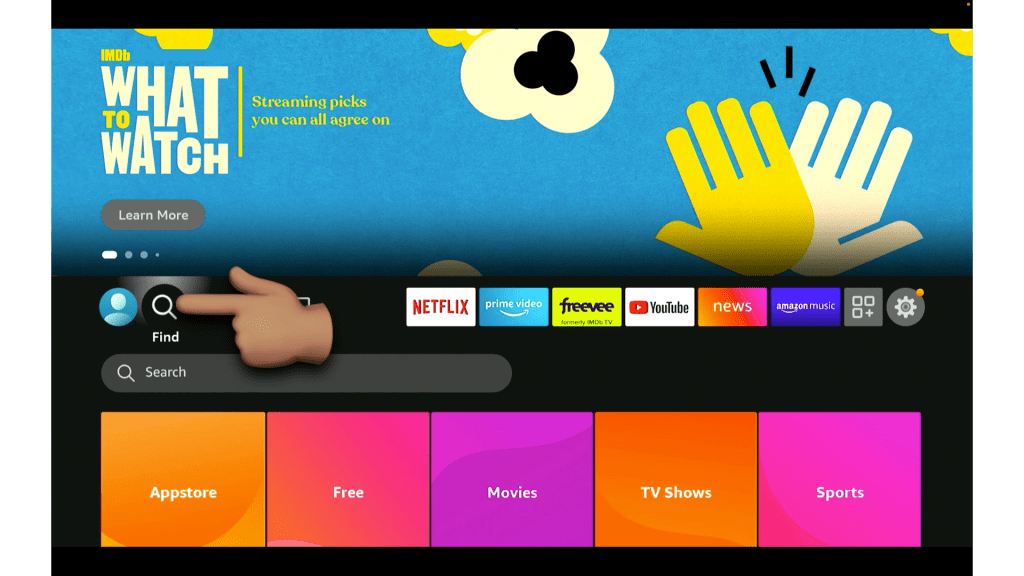
Select the Search box

Type in Downloader then select Downloader

Select the orange Downloader app

Select Download or Get then wait for the app to install
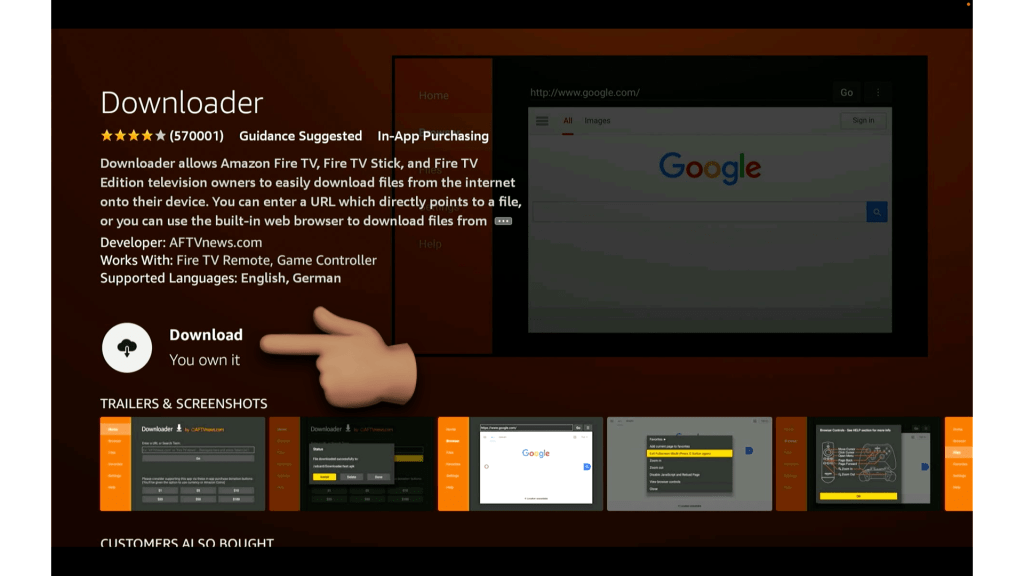
ONCE INSTALLED
DO NOT OPEN YET..
We need to enable App Installs through Developer Options first :)
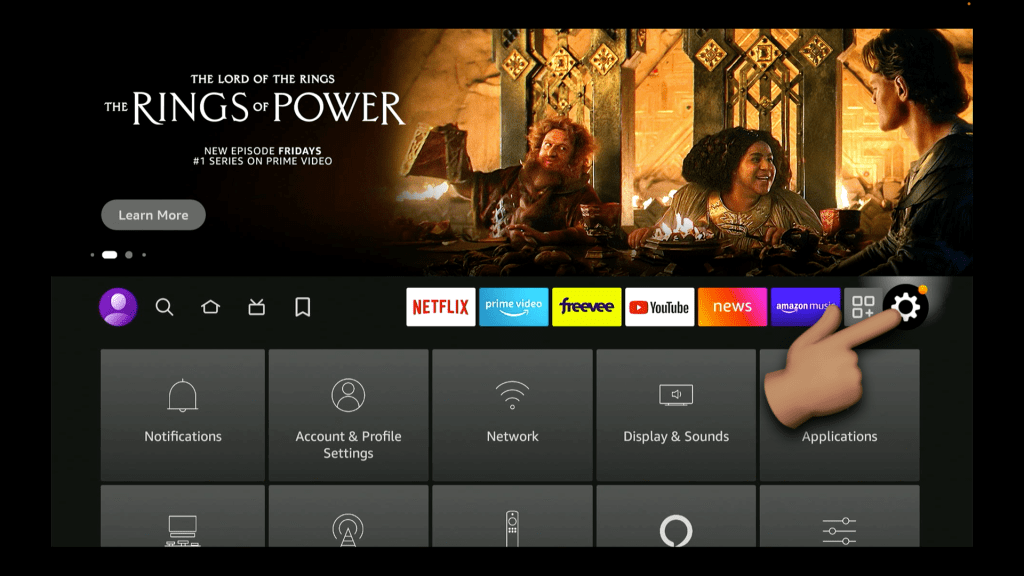
Go back to the Home screen
Then, Go to your FireTVs Settings
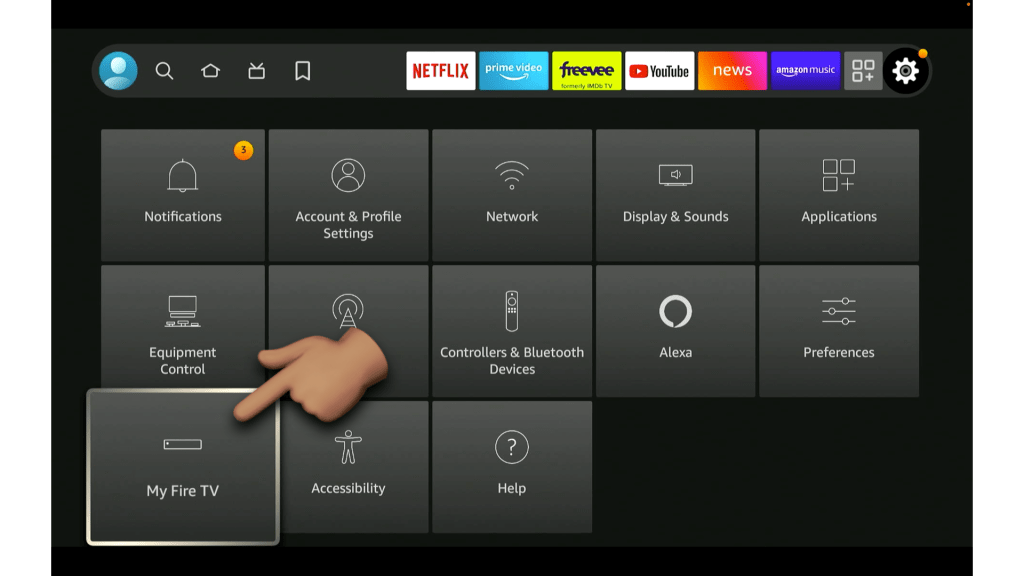
Select MyFireTV
(if you have a FireEdition TV, it's also called DEVICE & SOFTWARE)
Select About
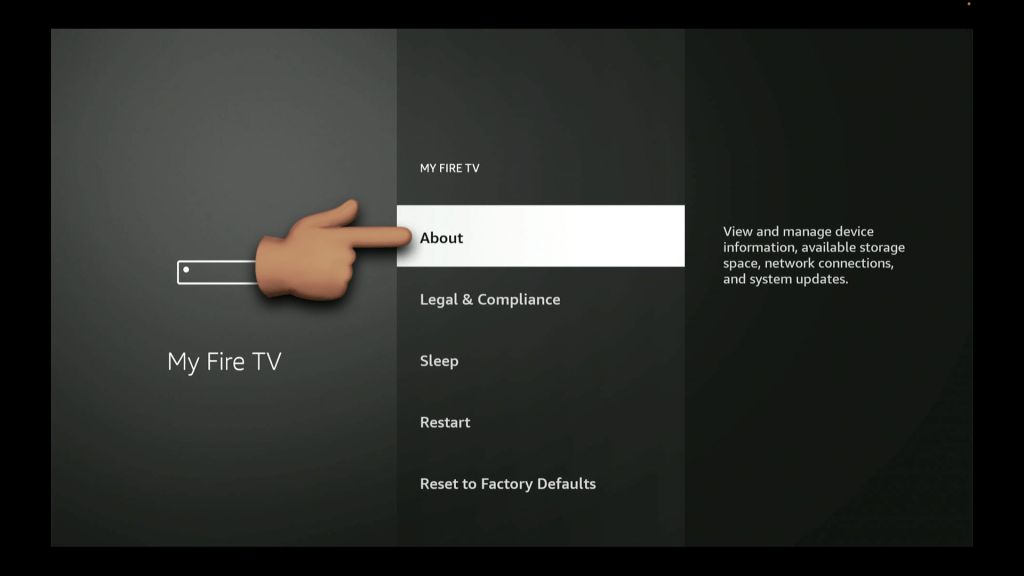
Click your Device's name Multiple times to unlock Developer Options
Once it says "No Need, you're already a developer" - it's unlocked
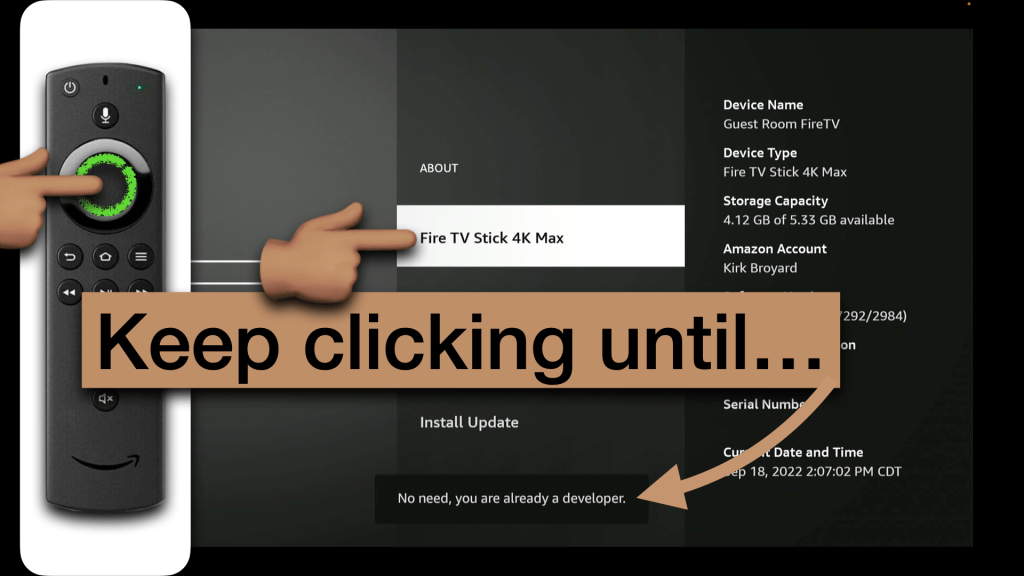
Hit the back button one time to now see Developer Options
then select Developer Options
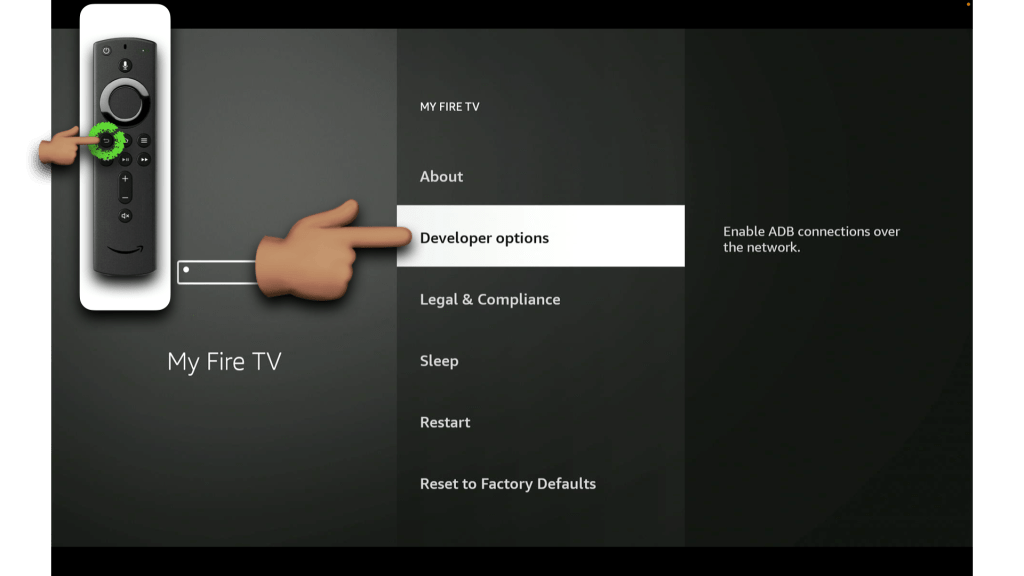
Select Install unknown apps
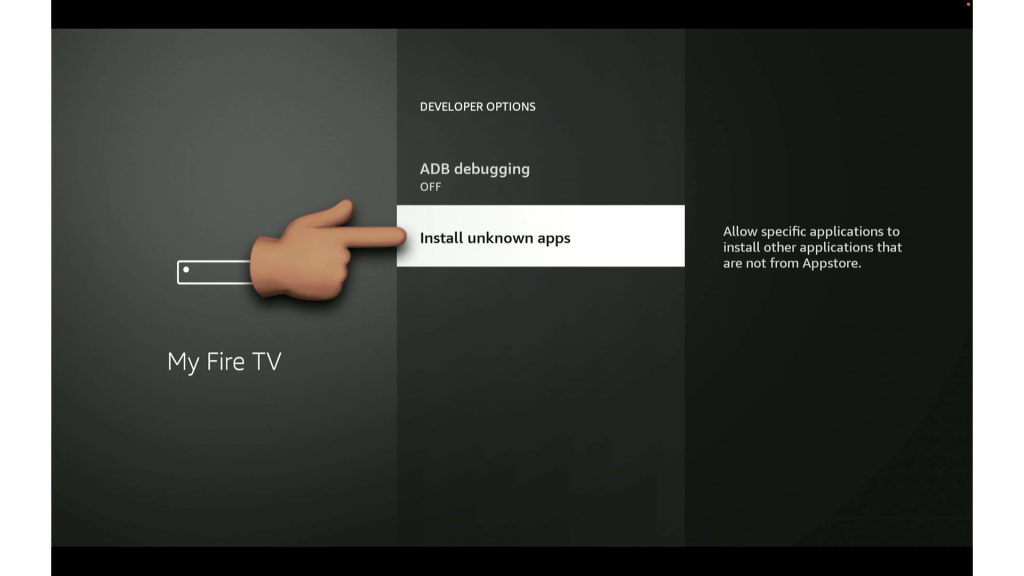
Turn Downloader ON
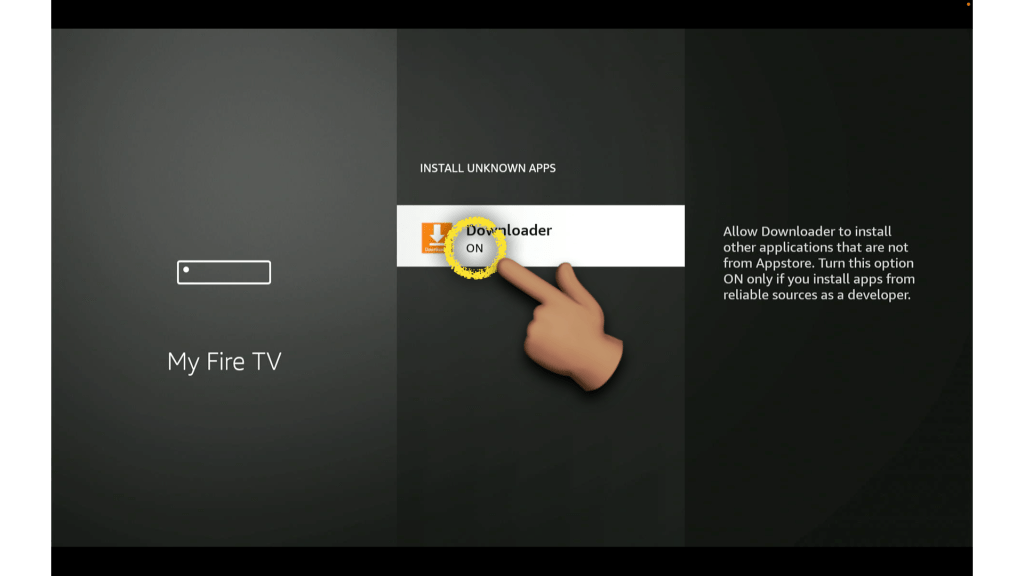
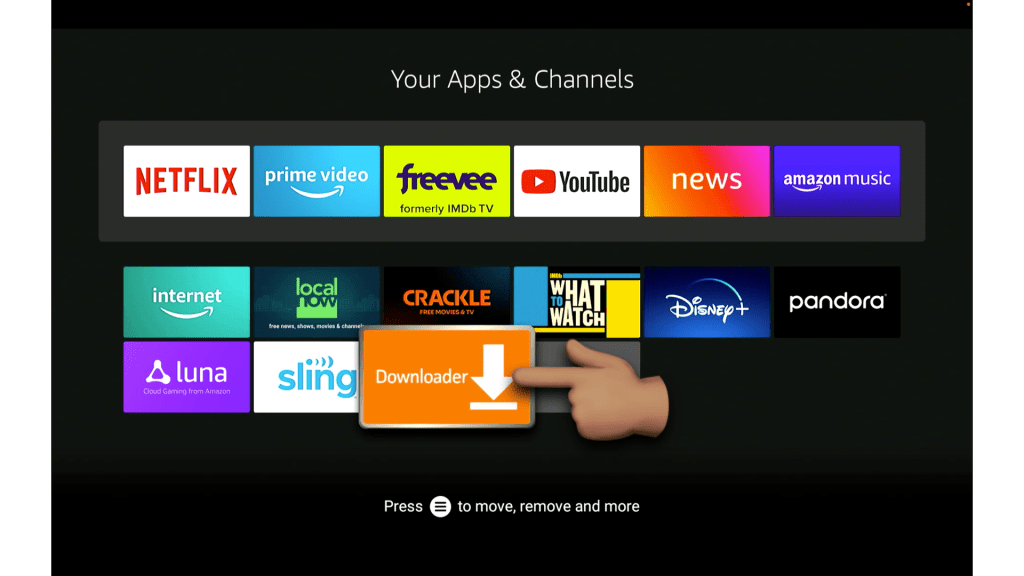
Now you can come back to your FireTV Home Screen, select the App Drawer (shown below)

You'll see Downloader in there, click on it
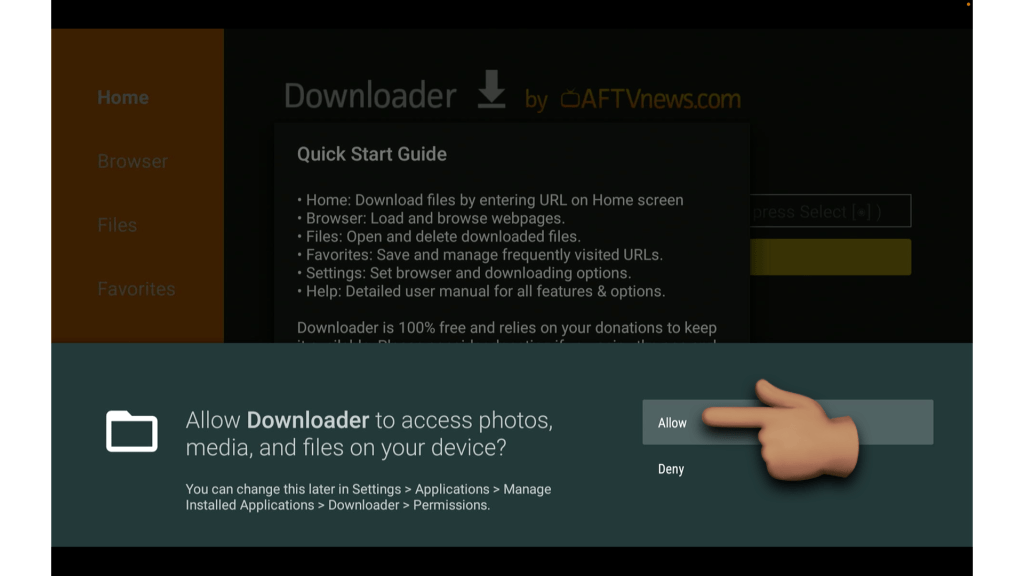
Make sure you ALLOW access to your device, or else it wont work!
Now you can proceed to Installing any of the apps we offer
My Primary URL for Downloader is:
bit.ly/KWTVAPPS
Secondary URL for Downloader is:
bit.ly/KWTVapps
SAVE THEM AS FAVORITES!!
